
 +233 59 797 6040
 Worlako Dzokoto
Disclosure: This guide is written by an InceptionForce co-founder. It compares official product information and InceptionForce’s demonstrated workflows, rather than results from independent comparative testing. Availability depends on edition, plan, and configuration.
When stock records, customer orders, and accounting live in separate spreadsheets, everyday questions become harder to answer. What can we sell? Which customers still owe us? What needs to be purchased or produced next?
InceptionForce, Odoo, and ERPNext bring these activities into connected business systems. All three cover core operations, so the useful comparison goes beyond whether they have an inventory or accounting module. It considers how your team will work, which deployment options you need, and how the system can adapt as the business grows.
This guide focuses on growing retail, wholesale and distribution, and manufacturing businesses.
A quick comparison
What to consider | InceptionForce | Odoo | ERPNext |
|---|---|---|---|
Product approach | Cloud ERP and business management with industry packages | Modular suite spanning operations and other business functions | Open-source ERP built on the Frappe Framework |
Deployment | Cloud platform | Odoo Online, Odoo.sh, or on-premise, depending on edition and plan | Managed hosting or self-hosting |
Retail operations | POS, inventory, customer records, and accounting; multi-location capabilities depend on plan | POS alongside inventory, sales, and accounting applications | POS alongside stock, selling, and accounting modules |
Wholesale operations | Estimates, sales orders, invoices, payments, and fulfillment choices | Sales, purchasing, inventory, and accounting applications | Selling, buying, stock, and accounting modules |
Manufacturing | Bills of materials (BOMs) and work orders in the Manufacturing Suite’s Professional plan | Manufacturing orders and BOMs, with related production applications | BOMs, production planning, work orders, and job cards |
Customization & integrations | API access on selected plans; custom requirements require agreed scope | Studio, external API, and custom development options depend on plan and hosting | Source-code access and Frappe-based customization; hosting can affect deployment options |
Business fit | Choose the package that fits your sales, inventory, and production workflows. | Choose the edition, applications, and hosting that fit your business needs. | Choose the hosting, implementation, and support arrangements that fit your team’s capabilities. |
This table summarizes coverage, not feature parity. The same module name can involve different controls and workflows. See the official sources linked below for current scope.
InceptionForce: connected operational workflows
Who should consider it: growing retailers, wholesalers, distributors, and manufacturers looking to manage everyday operations through a cloud platform.
Built in Ghana, InceptionForce connects sales and CRM, inventory, accounting, procurement, production, POS, and fulfillment. Its industry packages provide starting points for different operational needs.
Retail: stock setup through checkout
InceptionForce brings together product records, warehouses, stock entry, costs, selling prices, and retail POS. Businesses can configure base and alternative units for products sold in packs, cartons, boxes, bags, or individual units.
The Retail & Distribution Suite includes POS, inventory, customer records, accounting, and reporting, with feature availability depending on the plan. Starter covers single-location operations, while Professional adds multi-location capabilities. Source: InceptionForce pricing
Wholesale and distribution: orders, payments, and fulfillment
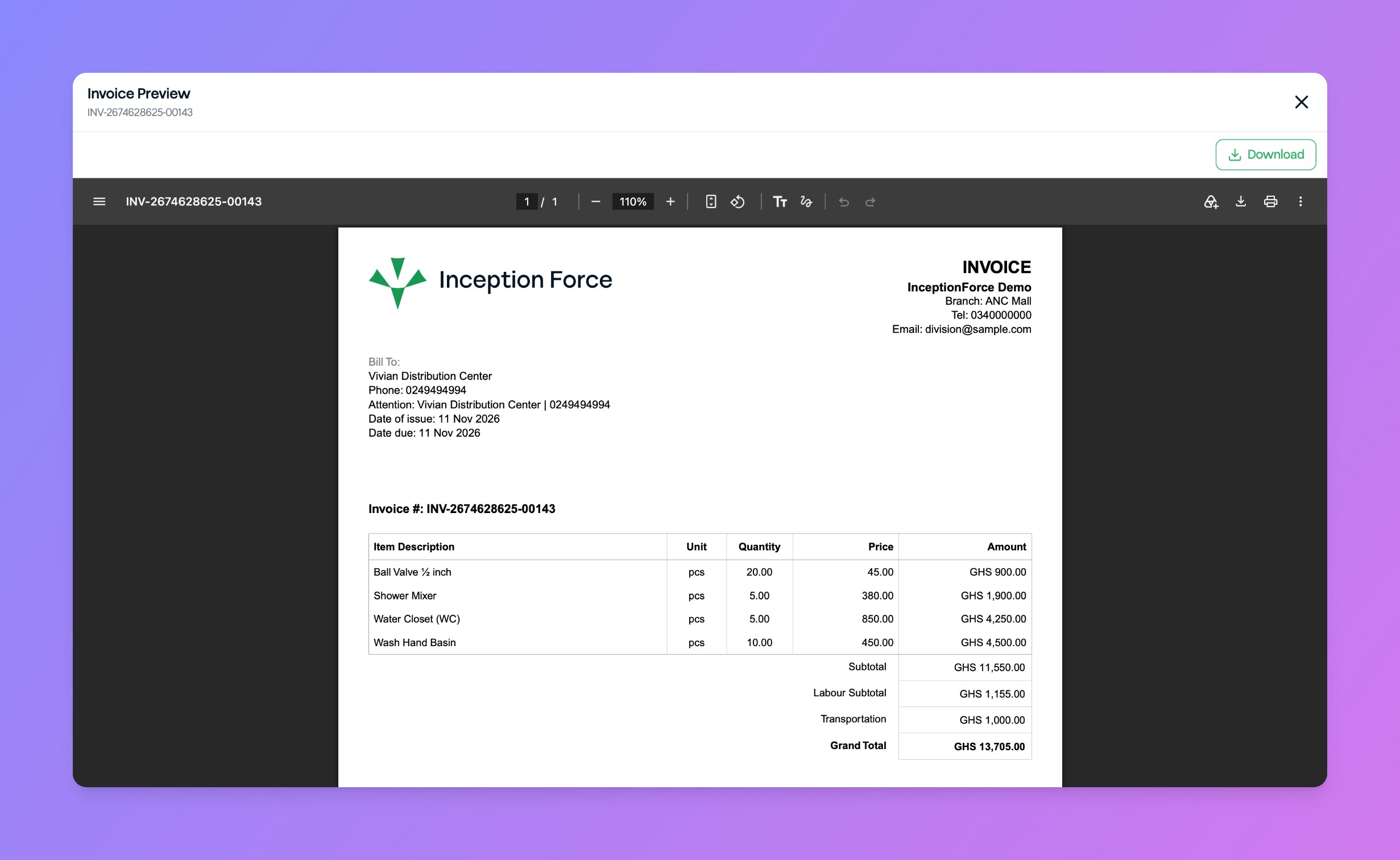
Wholesalers and distributors can manage estimates or quotation, sales orders, invoices, and payments.
Order confirmation offers different paths for different customer needs:
Hand over now: issue goods and create the invoice, with options to take payment immediately or record payment later.
Reserve for delivery: reserve stock for later dispatch through fulfillment, with an option to generate the invoice on confirmation.
Advanced: handle orders that require production or additional production and delivery steps.
These choices support both immediate collection and orders scheduled for later delivery.
The Professional plan of the Retail & Distribution Suite is suitable for wholesalers and distributors. Businesses can also consider Cloud ERP, depending on their operational requirements. Explore the available plans.
Manufacturing: connect production with business operations
Manufacturers need to connect materials and production with inventory, customer orders, invoicing, and payments. The Manufacturing Suite includes production management with BOMs and work orders, alongside accounting, inventory, and workflow capabilities. Source: InceptionForce pricing
Evaluate the platform using a complete production scenario: define the BOM, create a production order, issue materials, record finished output, and review inventory and cost records. Check the process against your required production controls and reporting.
Deployment and extension: InceptionForce is offered as a cloud platform. Selected plans list API access, while custom modules and integrations require an agreed scope.
What to evaluate: confirm the appropriate package, branch and warehouse setup, approval steps, integrations, and onboarding arrangements. Test how the selected plan handles your business’s daily workflows and exceptions.
Odoo: a modular suite across business functions
Who should consider it: businesses seeking connected applications across operations and functions such as e-commerce, marketing, and services.
Odoo’s catalog spans POS, sales, purchasing, inventory, accounting, and manufacturing. Related applications include product lifecycle management, maintenance, and quality. Its breadth makes it relevant when the intended ERP project extends beyond the warehouse or sales desk. Source: Odoo applications
Deployment and extension: Odoo has an open-source Community edition and a licensed Enterprise edition. Its paid Standard plan uses Odoo Online. Custom provides options including Studio and external API access, with Odoo.sh and on-premise deployment choices. Custom modules require an appropriate hosting arrangement. Sources: Odoo editions and Odoo plans
What to evaluate: specify the edition and applications in your proposal. If you need third-party modules or specialist integrations, establish which deployment supports them and who will maintain them. Confirm implementation, training, and ongoing assistance with Odoo or your selected partner.
ERPNext: open-source access and deployment choice
Who should consider it: businesses that prioritize source-code access and want flexibility over where their ERP runs.
ERPNext brings together accounting, selling, buying, stock, manufacturing, and POS. Its operational capabilities include warehouse records, serial and batch tracking, production planning, and work orders. These provide a basis for evaluating both trading and production requirements. Source: ERPNext overview
Deployment and extension: ERPNext can use managed hosting or be self-hosted. Its open-source model and Frappe Framework support adaptation to business requirements. The selected hosting arrangement affects how custom applications are deployed and managed.
What to evaluate: decide who will own configuration, migration, upgrades, and user support. Frappe describes both self-implementation and partner-led implementation routes. Managed hosting handles infrastructure tasks, but your implementation still needs responsibility for business processes and training. Source: ERPNext deployment and implementation
Explore ERPNext hosting and implementation options.
Compare the work your business actually does
The product overviews help build a shortlist. A shared business scenario helps test it. Ask each provider to work through the same products, quantities, documents, and exceptions.
Business type | Workflow to compare | What the comparison should establish |
|---|---|---|
Retail | Receive stock, scan an item, complete a sale, process a return, and review the resulting stock and financial records | Checkout steps, stock updates, payment handling, permissions, and reporting |
Wholesale and distribution | Prepare a quotation for items sold in cartons, boxes, bags, or individual units, create a sales order, collect a partial payment, and dispatch goods | Stock availability, pack/unit handling, payment balances, reservations, and fulfillment controls |
Manufacturing | Set up a bill of materials, create a production order, issue raw materials, record production output, and review inventory and cost records | Material availability, production tracking, cost visibility, and the connection to inventory and sales |
For retail, compare the POS and stock processes together. A fast checkout is only part of the requirement; staff also need reliable receiving, returns, and reporting.
For wholesale and distribution, compare immediate collection with later delivery. InceptionForce’s handover and reservation choices are useful examples to evaluate against equivalent configured processes in Odoo and ERPNext. Compare the resulting steps and controls in each system.
For manufacturing, go beyond the presence of a BOM feature. Ask how the system handles missing materials, changed quantities, and production output, and how those events affect inventory and accounting. Compare the required production depth in the actual edition and plan being proposed.
Include the people who will use the system. Ask them to identify confusing steps and check how errors are corrected. A demonstration using your own operating conditions is more informative than a generic tour.
See InceptionForce’s retail, wholesale, and distribution workflow
Watch Getting Started with InceptionForce to see business and warehouse setup, item and stock management, retail POS, sales orders, estimates, invoices, and payments in practice.
Use it as an introduction to the platform, then request a demonstration using your own business scenario. Manufacturing businesses can request a production-focused demonstration covering their materials, BOMs, and output requirements.
Check requirements for your market
Wherever your business operates, confirm supported currencies, invoice formats, local tax configuration, payment integrations, data export, and connectivity requirements. Also establish support hours and responsibility for migration and training.
Check integrations at the level of the system you actually use. An API or integration category alone does not establish that your bank, payment provider, or other application is already connected.
For current plans and pricing, consult InceptionForce, Odoo, and ERPNext directly.
Which platform belongs on your shortlist?
The following recommendations reflect the product approaches described above, rather than rankings from performance testing:
Shortlist InceptionForce when your priority is connected retail, wholesale, distribution, or manufacturing operations delivered through a cloud platform. Start by testing the relevant industry package against your stock, sales, and production processes.
Shortlist Odoo when your requirements span operations and a wider set of applications, such as e-commerce or marketing. Establish the edition and hosting model before planning extensions.
Shortlist ERPNext when open-source access and deployment control are central requirements. Identify the internal team or implementation partner who will configure and maintain it.
These needs can overlap. Use the same workflow demonstration and implementation requirements to make the final choice, rather than treating a longer feature list as a better fit.
See how InceptionForce handles your business workflow: request a demonstration.